

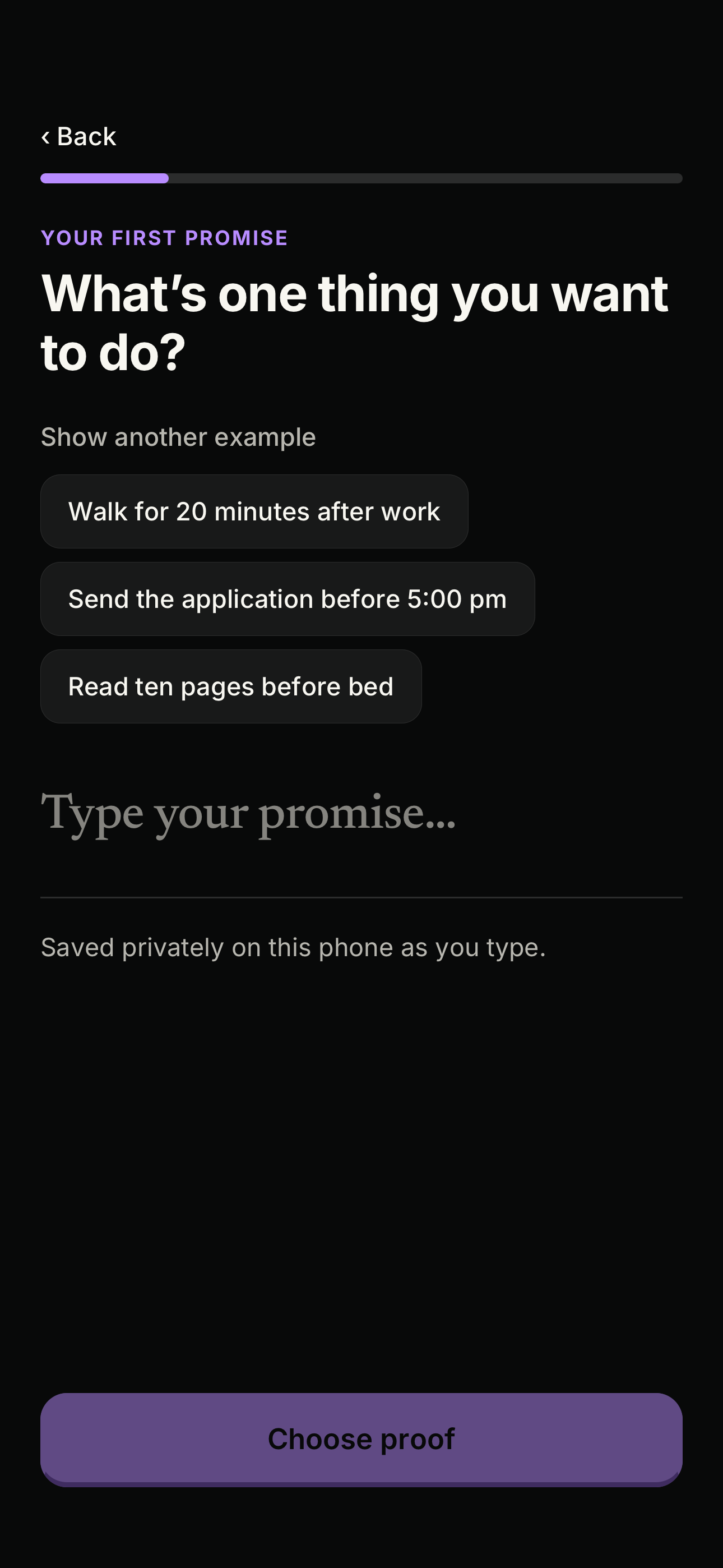
Pick the goal and the proof
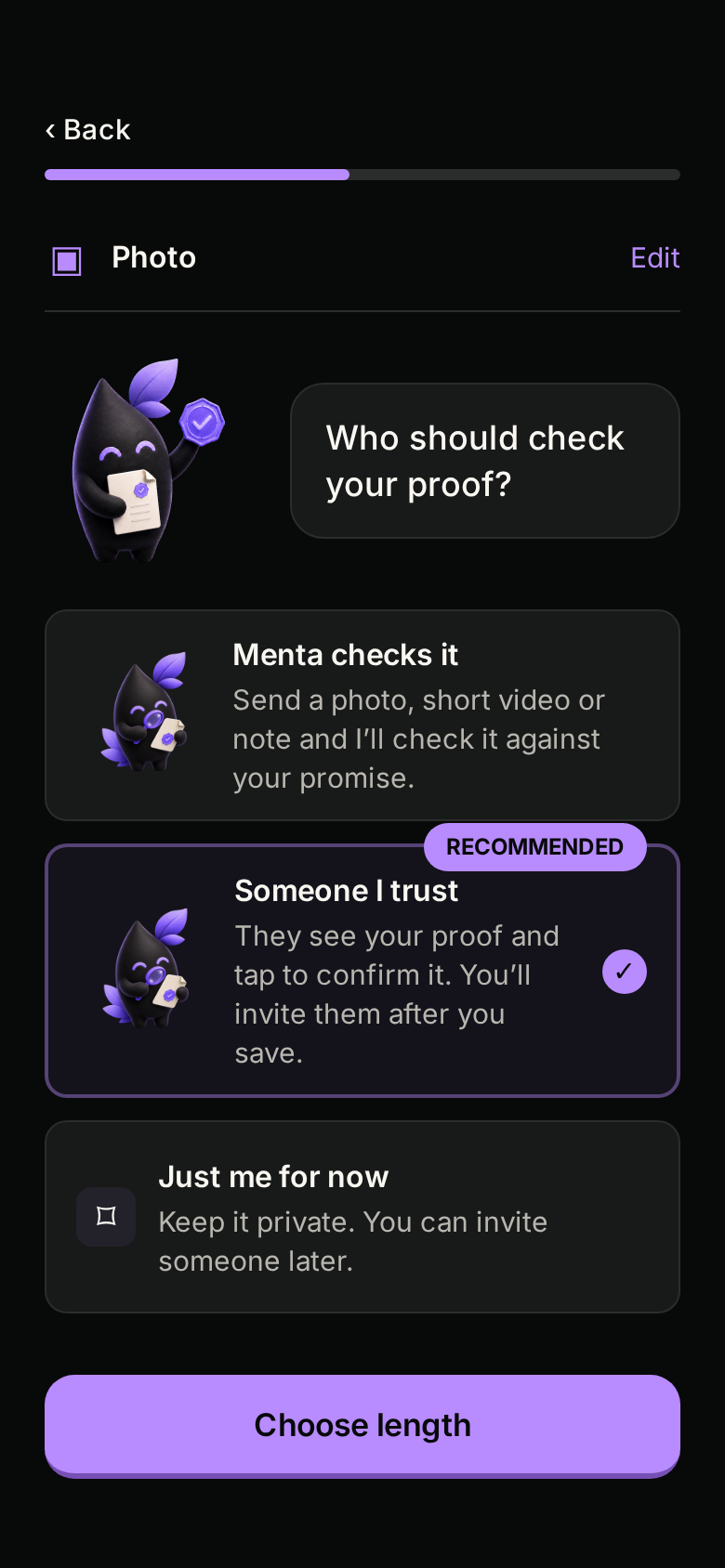
Gym four times a week. Ten pages before bed. Choose whether a photo, a short video or a note counts.
Menta is a group accountability app. Pick a goal with friends, post a photo when it's done, and someone you trust approves it. No checkbox to fudge.
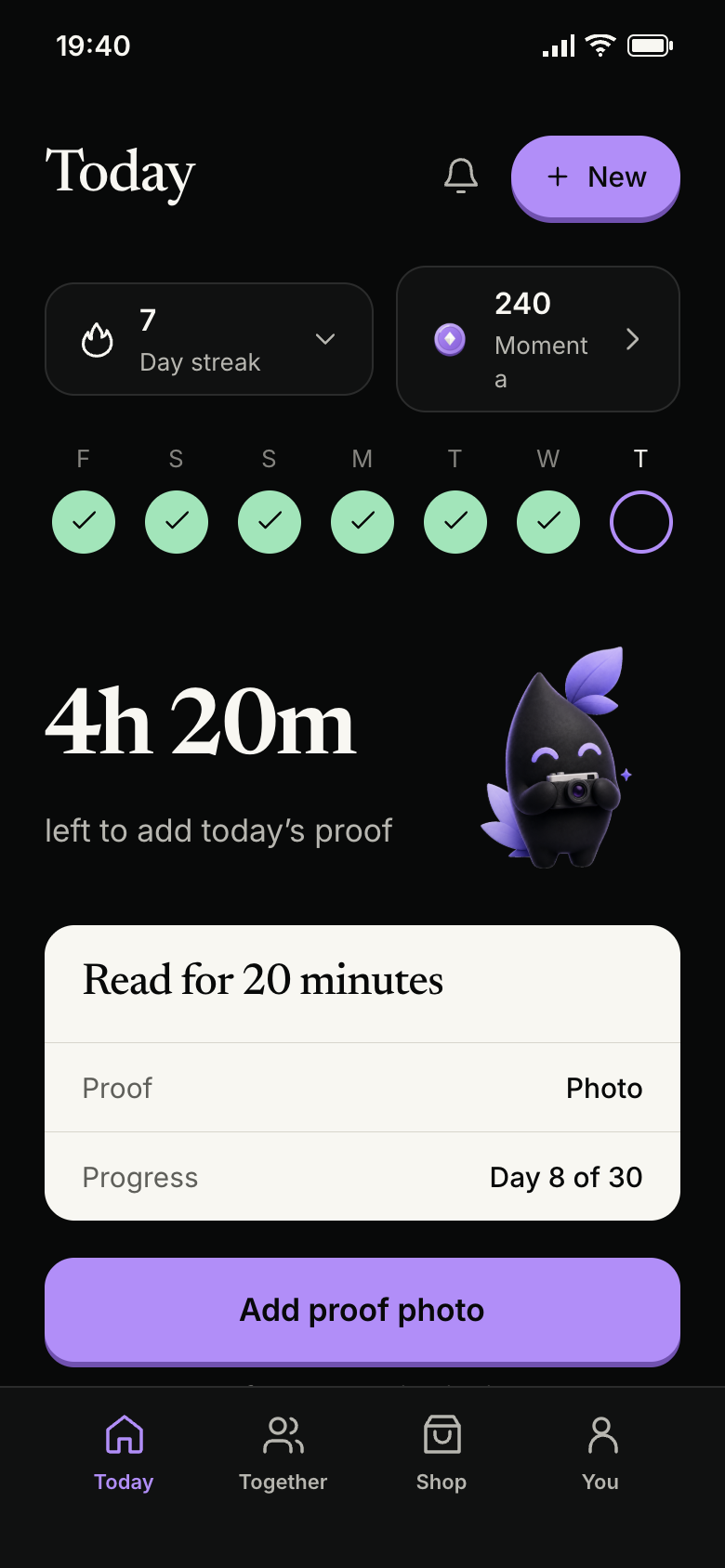
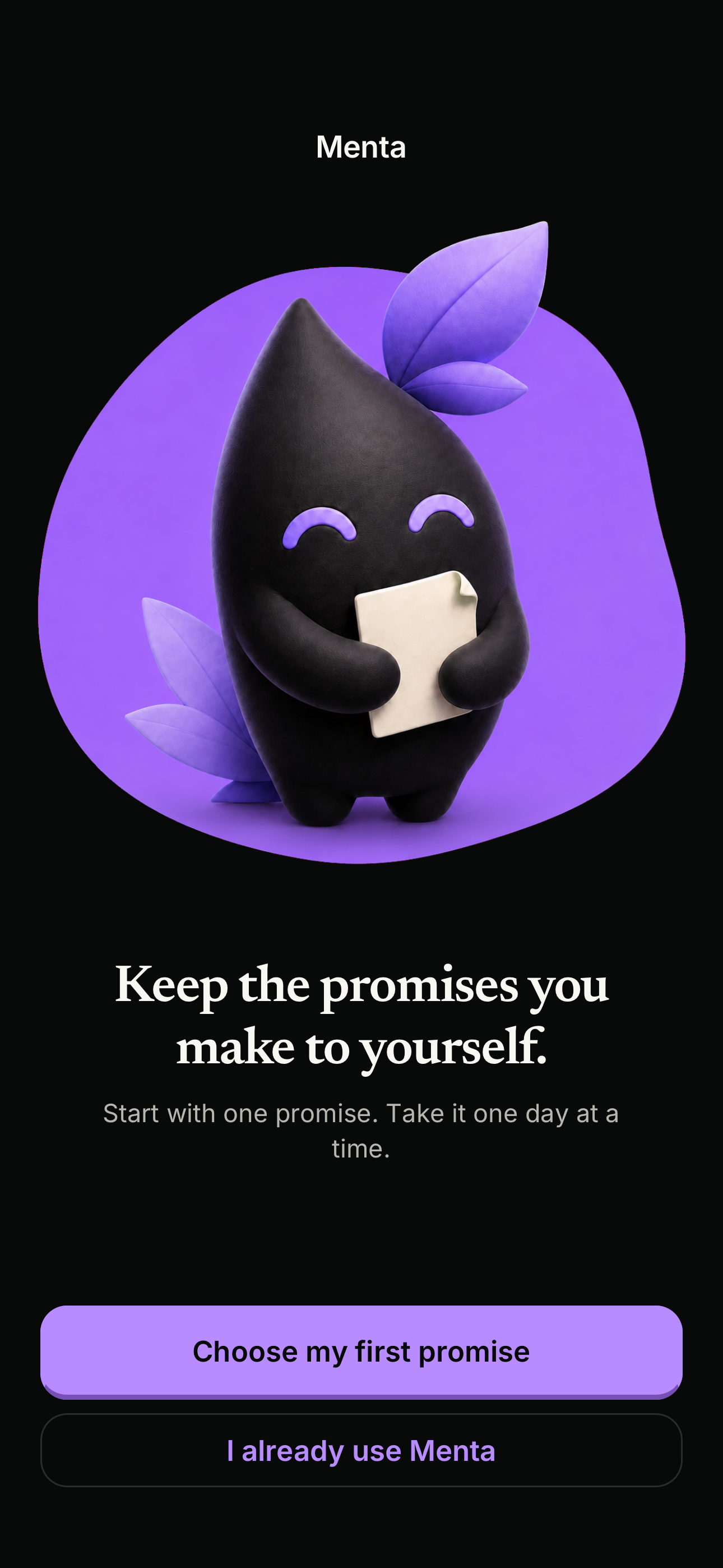
This is how group accountability works on Menta. You do the thing, you show it, and someone you trust says it counts.
Gym four times a week. Ten pages before bed. Choose whether a photo, a short video or a note counts.
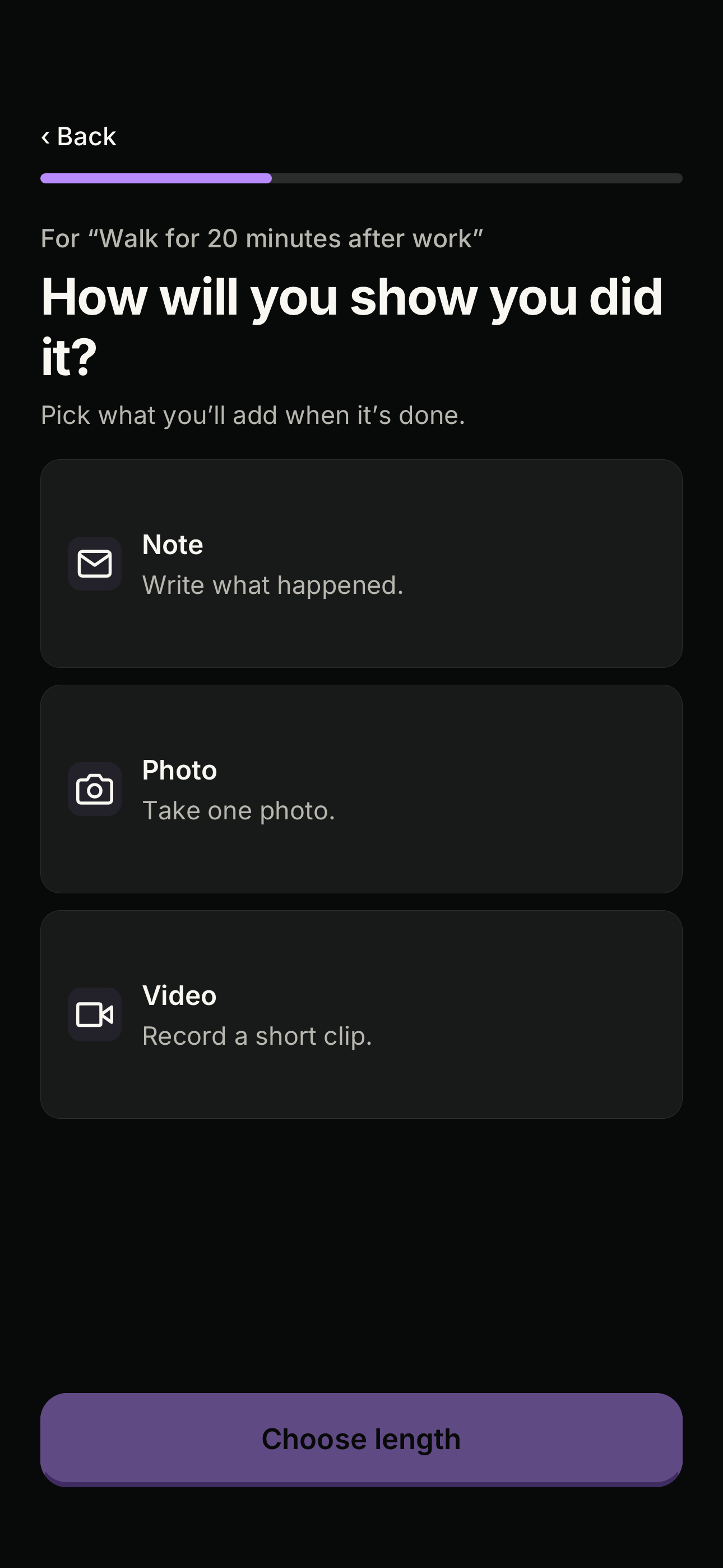
Take the photo when you're done. Hold to send, and it goes to the people in your group. Nothing posts publicly.
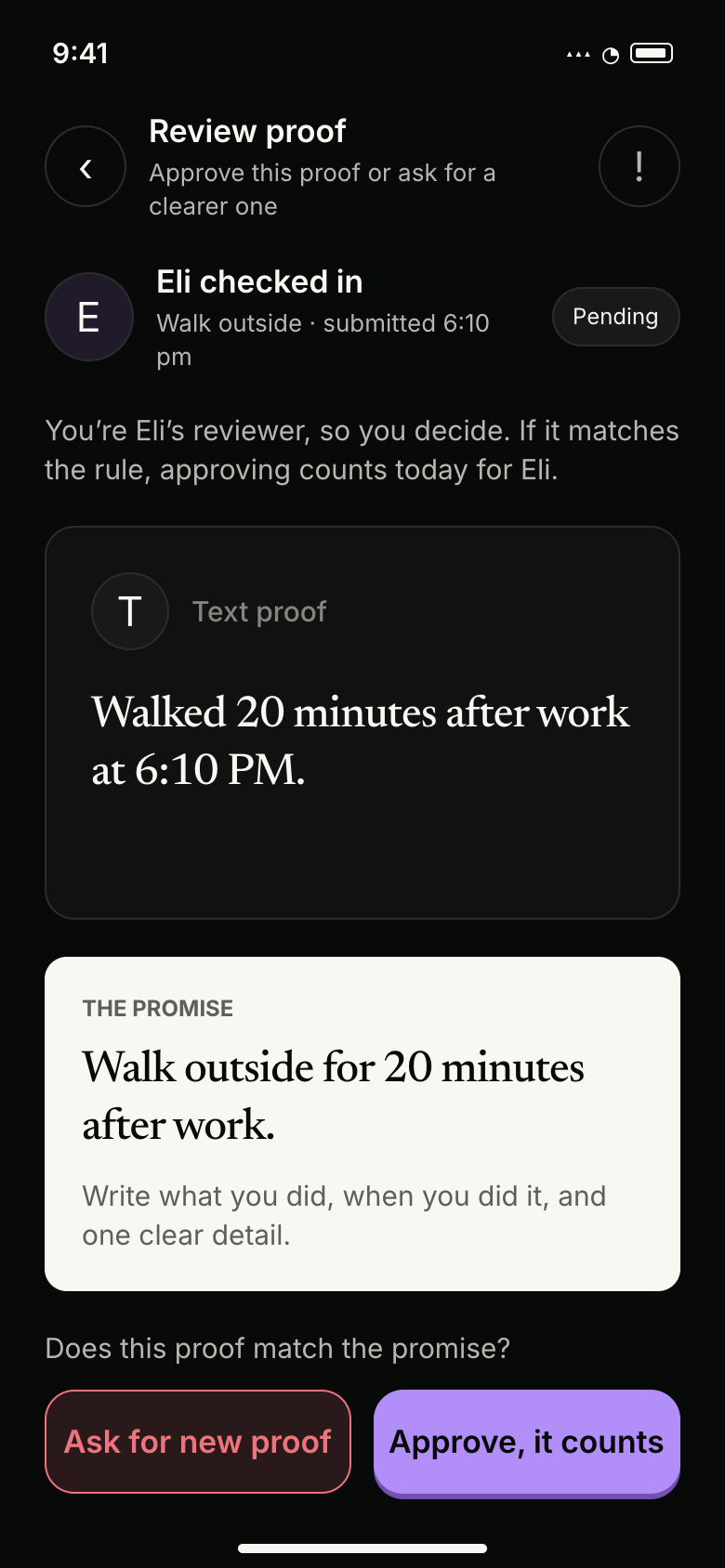
Someone you trust looks at the photo and accepts it. If it isn't clear, they can ask for a better one.
You decide what to do, what counts as proof, and whether to involve anyone else. Your draft stays on your phone until you sign in and save it.
Onboarding walkthrough. Six screenshots of the Menta iPhone app. Use the left and right arrow keys to move between steps.
Step 1 of 6: Open Menta
A tick is easy to tap on a lazy day. A photo of your shoes on the trail is harder to fake, and much nicer to look back on.
Every check-in on Menta is a photo, a ten-second video or a short note. Your group sees it. Nobody else does.





An accountability partner, a gym friend, your sister, your whole study group. You choose how each person helps. Nobody joins until they accept your invite.
People use Menta for the things they keep meaning to do. Pick one, or make your own.
A photo from the gym floor before 8. Your training partner approves it.
Ten pages before bed, or an hour of revision. Your study group sees it.
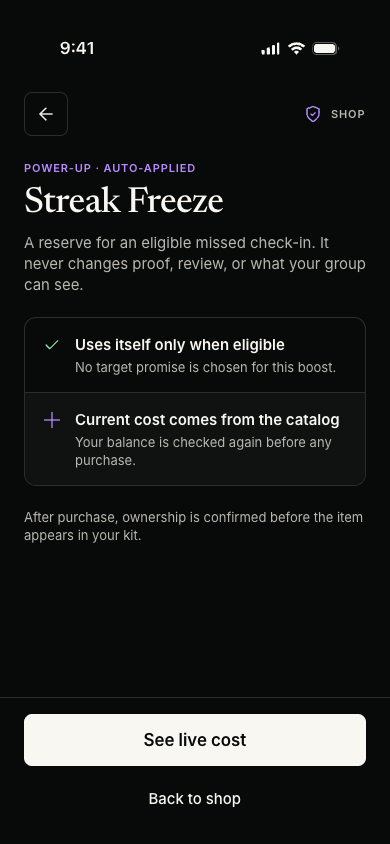
Showing up earns Momenta, Menta's in-app coins. Spend them on a Streak Freeze, and the next day you miss is covered automatically. Your streak stays where it was.
Real reviews, loaded live from Apple.
A review of 138 studies found that keeping track of your progress helps you reach goals. The effect was bigger when people recorded that progress and reported it to someone else, instead of keeping it to themselves.
That's the whole idea behind Menta. Record it with a photo. Show it to someone who cares.
Harkin et al. (2016), “Does monitoring goal progress promote goal attainment?”, Psychological Bulletin, 142(2).A short recording of setting up a promise in Menta. Play it when you’re ready.
Choose a promise, pick a note, photo or video as proof, decide who can see it, and choose a duration. Review the terms before signing in to save. Recording has no audio.
Android
Menta for Android is in closed testing. Follow these steps to get access through Google Play.
Google is reviewing access for our tester group. You can join the group now. If the test link is unavailable, try again after access is approved.
Join the Android testOpen Menta Android Testers and choose Join group. If Google offers an email subscription choice, you can choose No email and still be a member. Then come back here.
Join the Google GroupOpen the test page and choose Become a tester. Joining the group alone does not opt you into the Play test.
Open the test pageOnce Google confirms you’re a tester, open the listing on your Android device and install Menta.
Open Google PlayStill wondering about something? Email hello@menta.quest
Menta is an accountability app for iPhone. You make one promise, choose what counts as proof, and check in when you’re done.
Proof can be a photo, a text note or a short video. You choose the format when you make the promise.
Yes. You can keep a promise to yourself, or share it with a group and let someone you trust review the proof.
No. Your proof is not posted to a public feed.
Menta: Proof & Progress is free to download on the App Store and requires iOS 16.4 or later. Optional Pro subscriptions are available inside the app.
Menta is free to download. Your first promise is free. Optional Pro subscriptions and Momenta features are available in the app, with any requirements shown before you choose them.
Pick one thing, invite one person, and send one photo. That's the whole start.
App Store